They choose a time
A day, time and party size, based on the tables and availability you offer.
Zuno POSAI Design Studio / Zuno Table
A table-booking page and diary, with no till required. Also available with Zuno Restaurant.
60 days free · Use your own devices
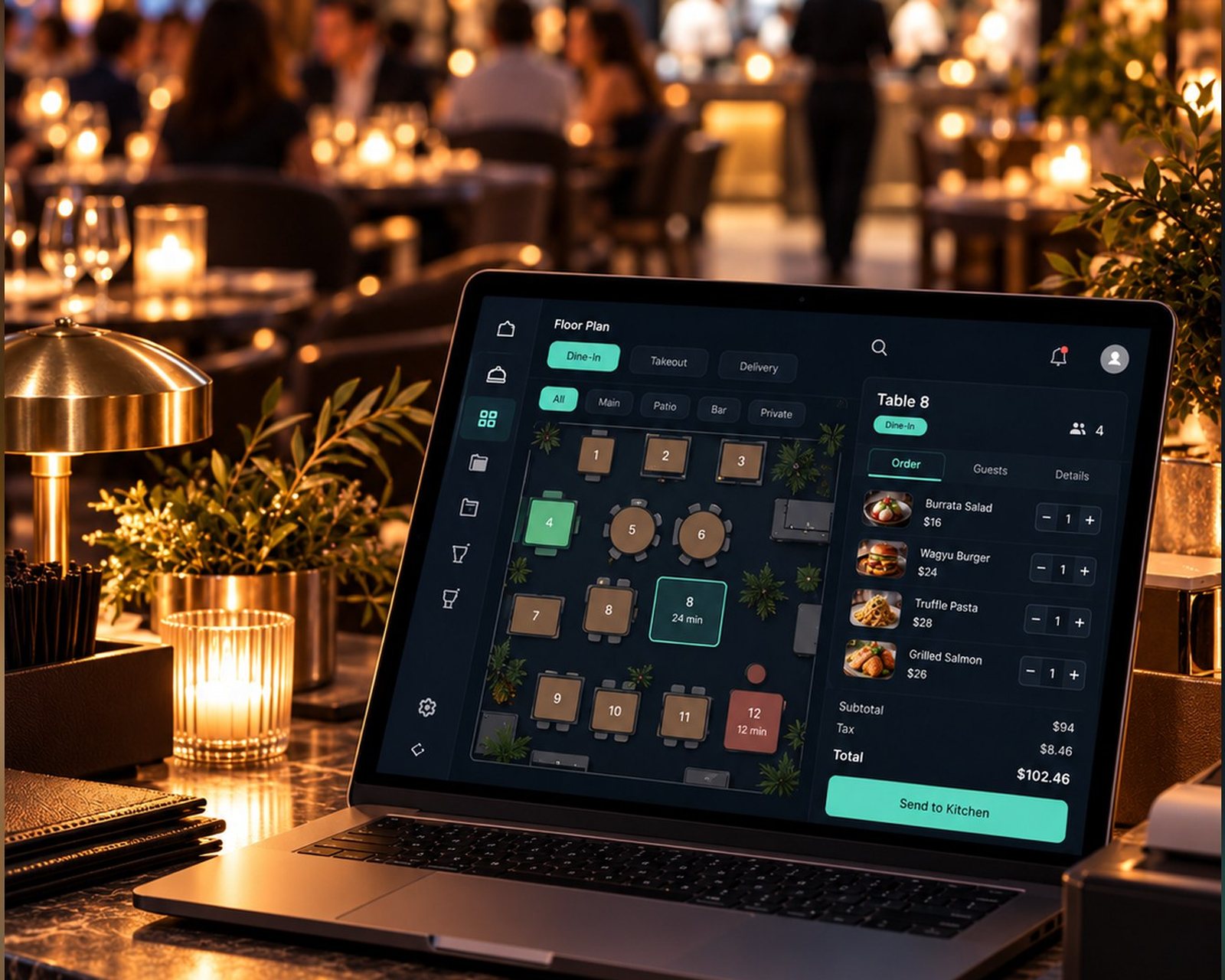
 Zuno Table
Use Zuno your wayOpen in your browser. Mobile downloads will appear here when released.
From their phone to your diary
A day, time and party size, based on the tables and availability you offer.
A text code checks access to their number, with an email for the booking details.
The confirmation includes a calendar invite and cancellation link. Your diary updates when the booking changes.
Two sides of one booking
On your link, QR code or website button
Little to go wrong
In Settings and the Bookings diary
Every booking in one place
Your booking diary
Online bookings sit alongside your own bookings in day, agenda and month views.
Explore the details
Choose bookable tables and keep others for walk-ins or phone bookings. Zuno matches the smallest available table that fits. Set booking gaps, largest party size, shortest notice and how far ahead people can book.
Emails use your business name and logo and can include a calendar invite. The customer’s link allows cancellation within your rules. The saved business email can receive booking and cancellation notifications.
When full, customers can join a waiting list and receive an email if space opens. Optionally ask customers to confirm at 3 PM the day before; see the confirmation state in the diary.
Use a link, QR code with your logo, or the embeddable “Book a table” button. Choose your page name, colour, contact details and branding.
Zuno Table can stand alone or work with Zuno Restaurant. Give staff their own access to the booking diary. Table bookings do not take deposits or payments.
A little clarity
Use a phone, tablet or computer with a web browser. You do not need a till, receipt printer or card machine to use this solution.
Yes. Your first business gets a 60-day free trial. Additional locations require paid setup. Choose the plan that includes the tools and user limit you need.
Use Log in at the top or bottom of any page. It opens the Zuno app, where you can sign in or create an account.
Plans
Choose Zuno Table for bookings on their own. Need the full restaurant tools too? Explore Zuno Restaurant.
Loading plans…
Make it your own
Try Zuno free for 60 days. Explore the tools with your own business in mind.
Already using Zuno? Log in to your account