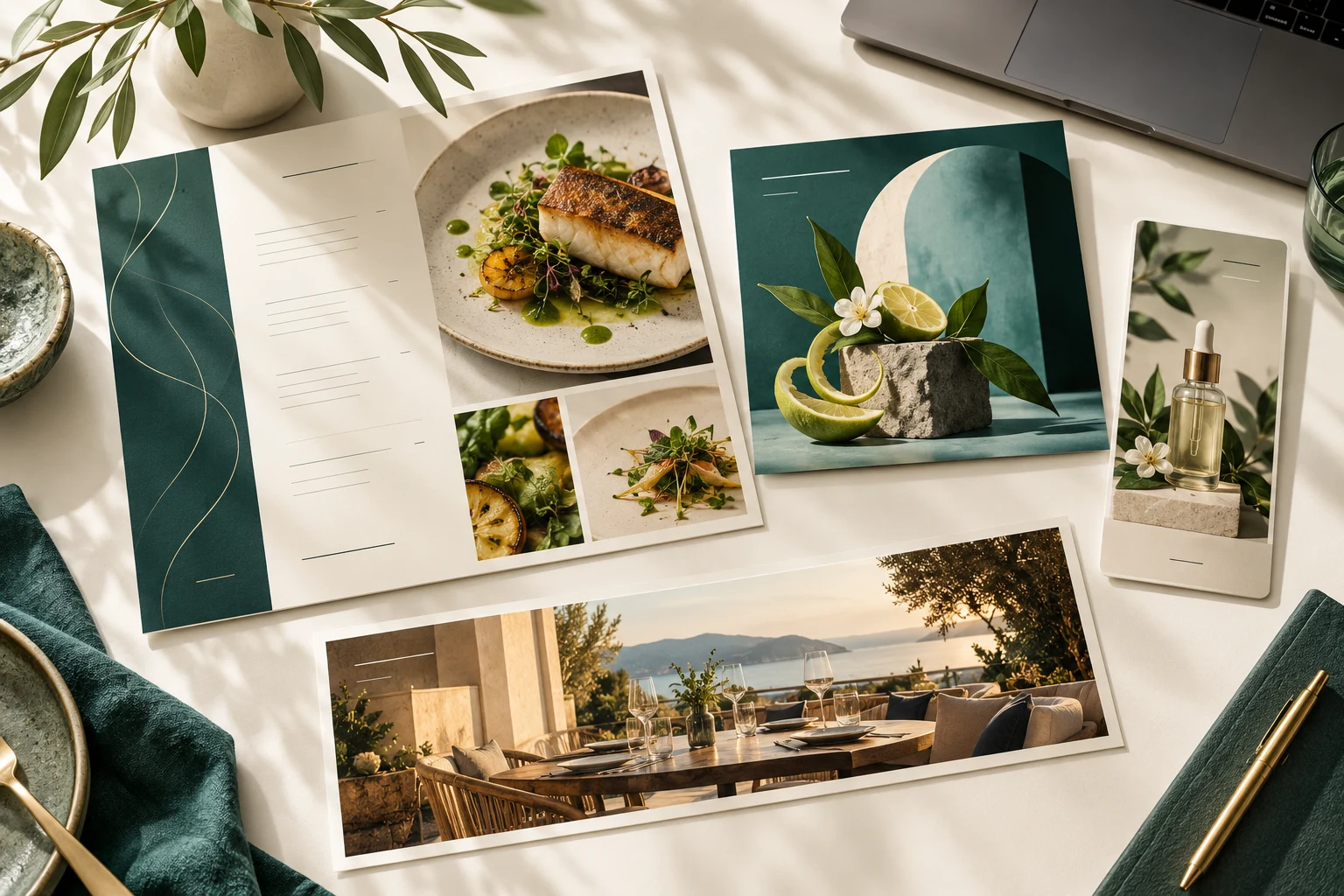
Make it yours
Set up your products, services, menu or booking rules. Choose how your business works.
Zuno POS
Sales, bookings, online orders and staff schedules. Choose the Zuno POS tools that fit your business.
Powered byZuno AI30 days free · Use your own devices
 Zuno POS
Use Zuno your wayOpen in your browser. Mobile downloads will appear here when released.
The Zuno POS family
Retail, food or services? Start here. Table and Team also work on their own.
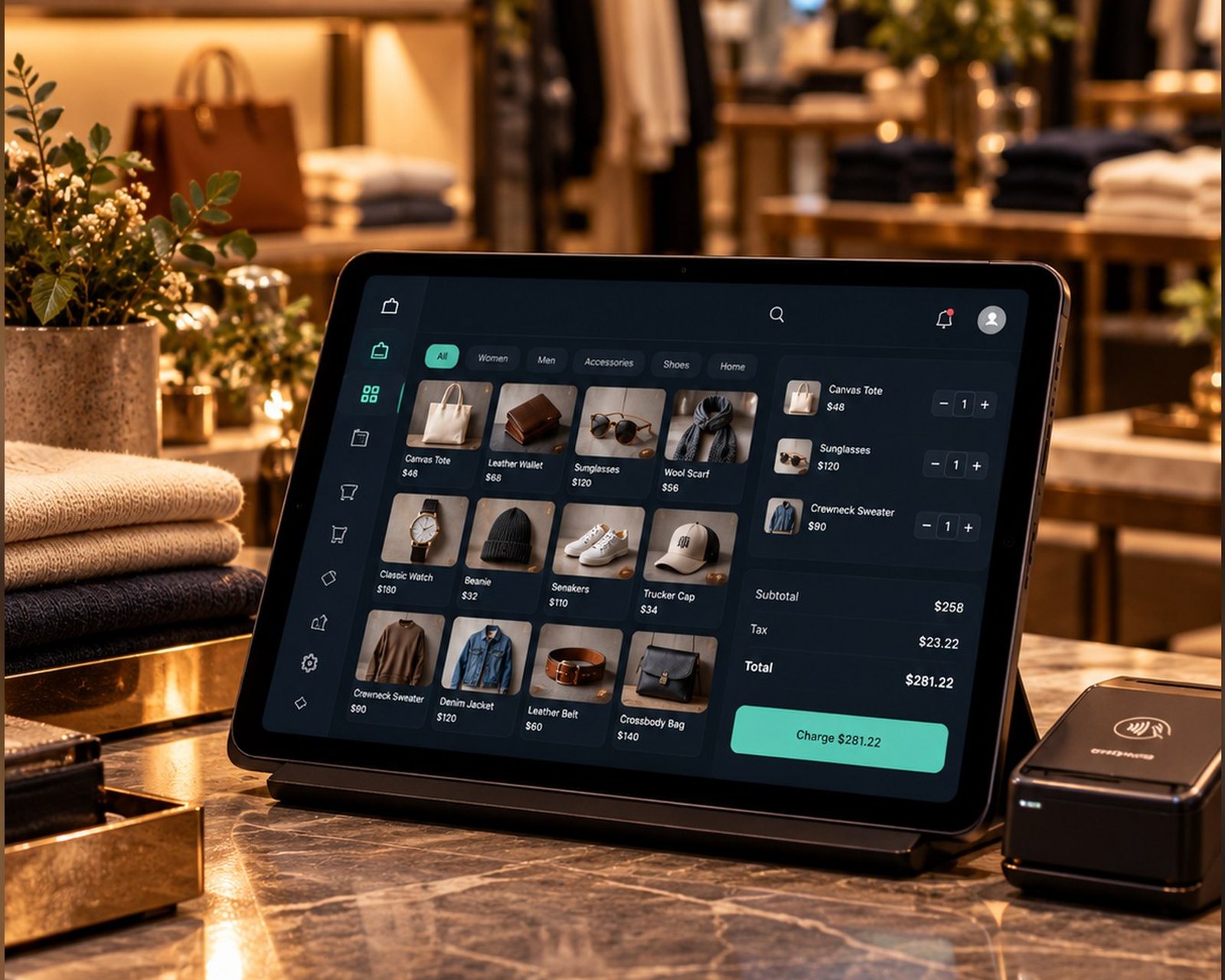
Checkout, products and stock.
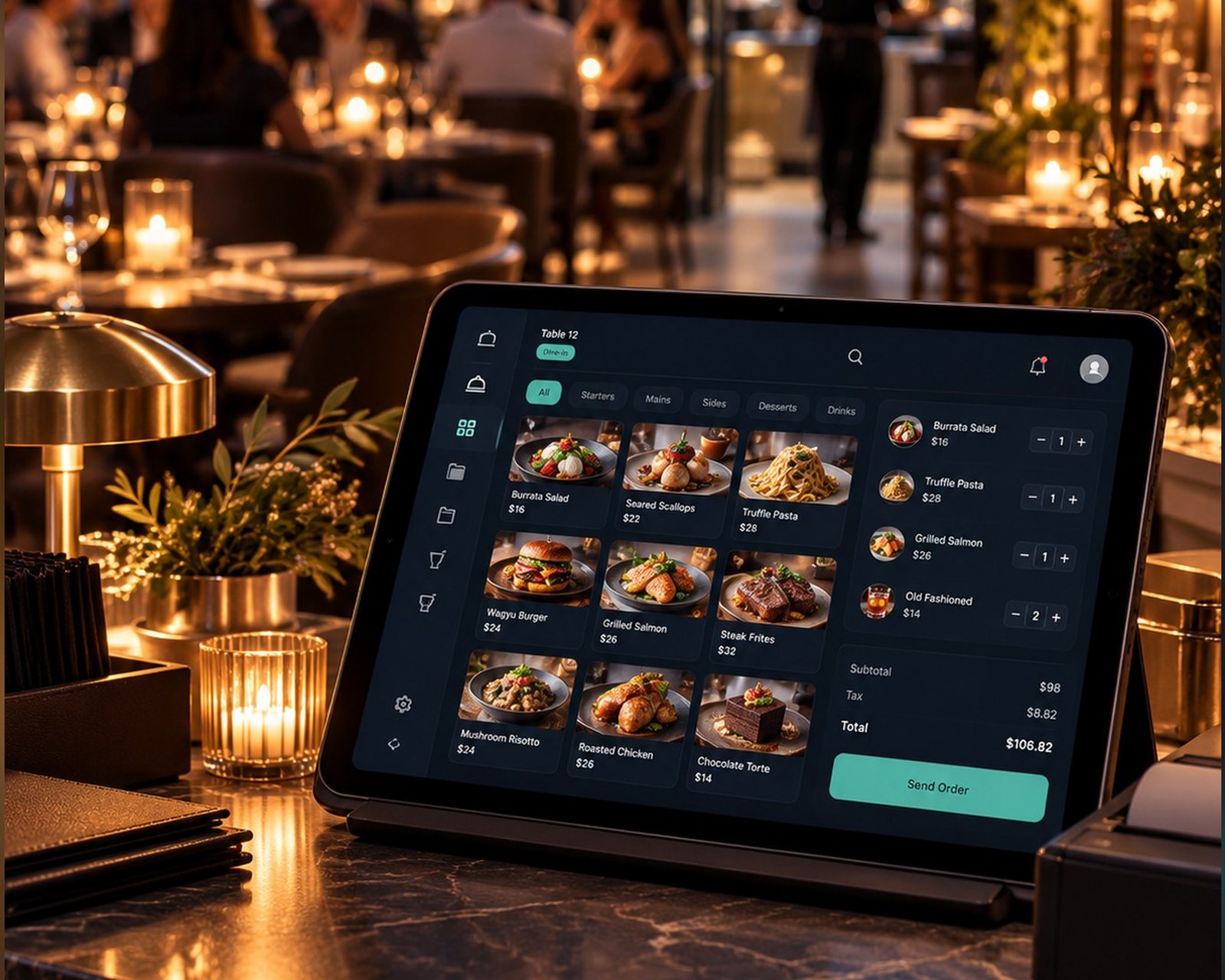
Explore RetailTables, kitchen, bookings and bills.
Explore Restaurant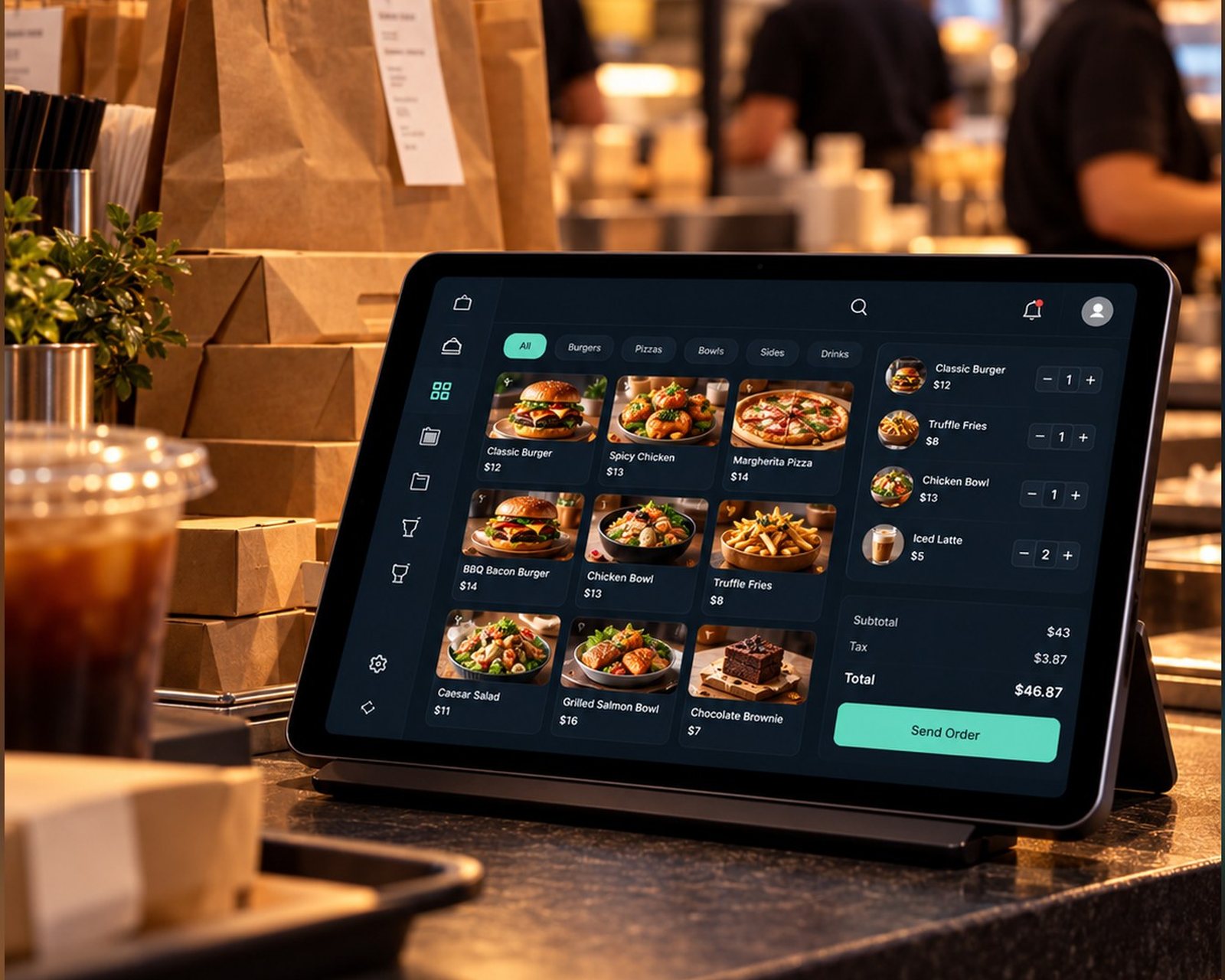
Online orders, collection and delivery.
Explore Takeaway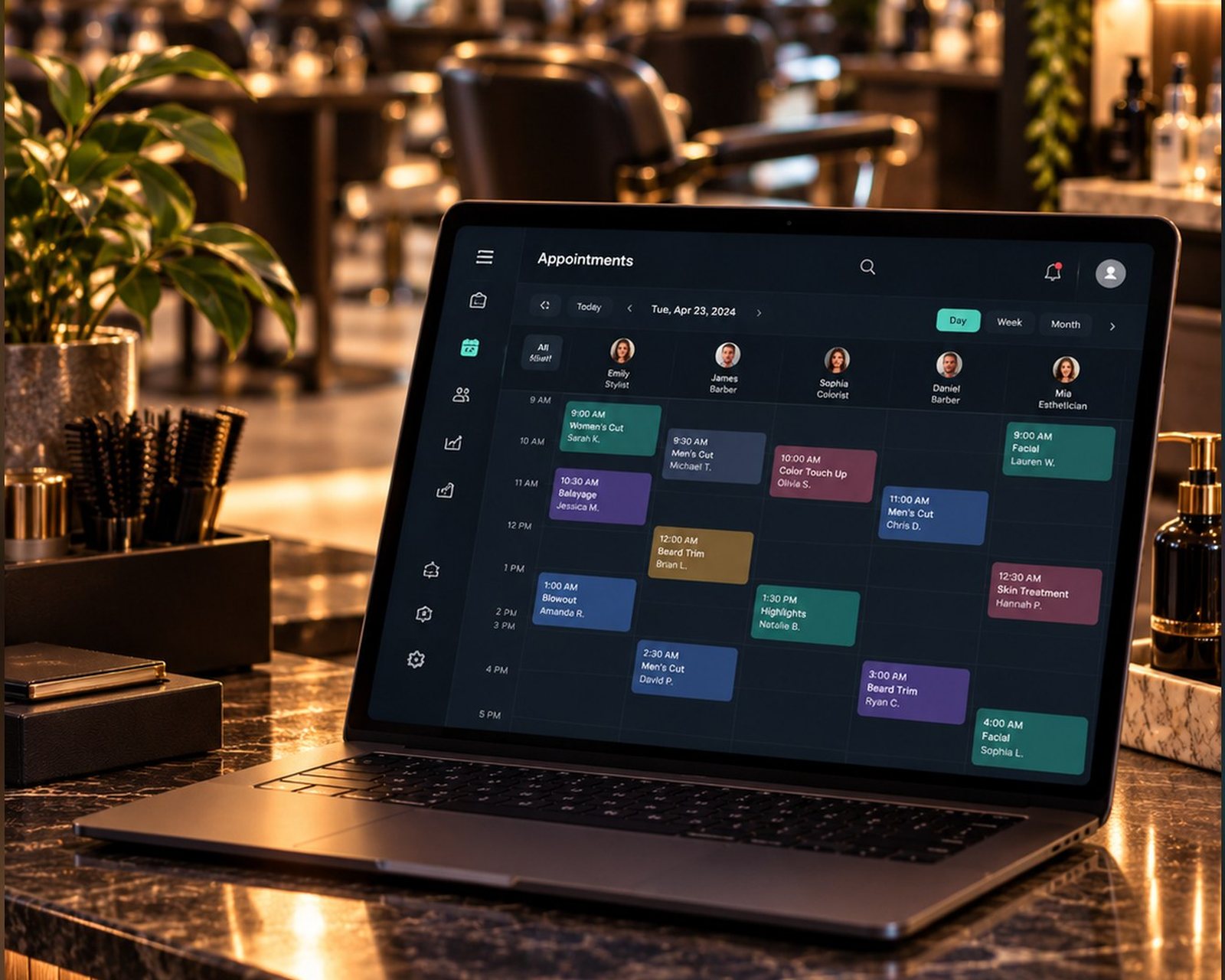
Client bookings for services and sessions.
Explore Appointments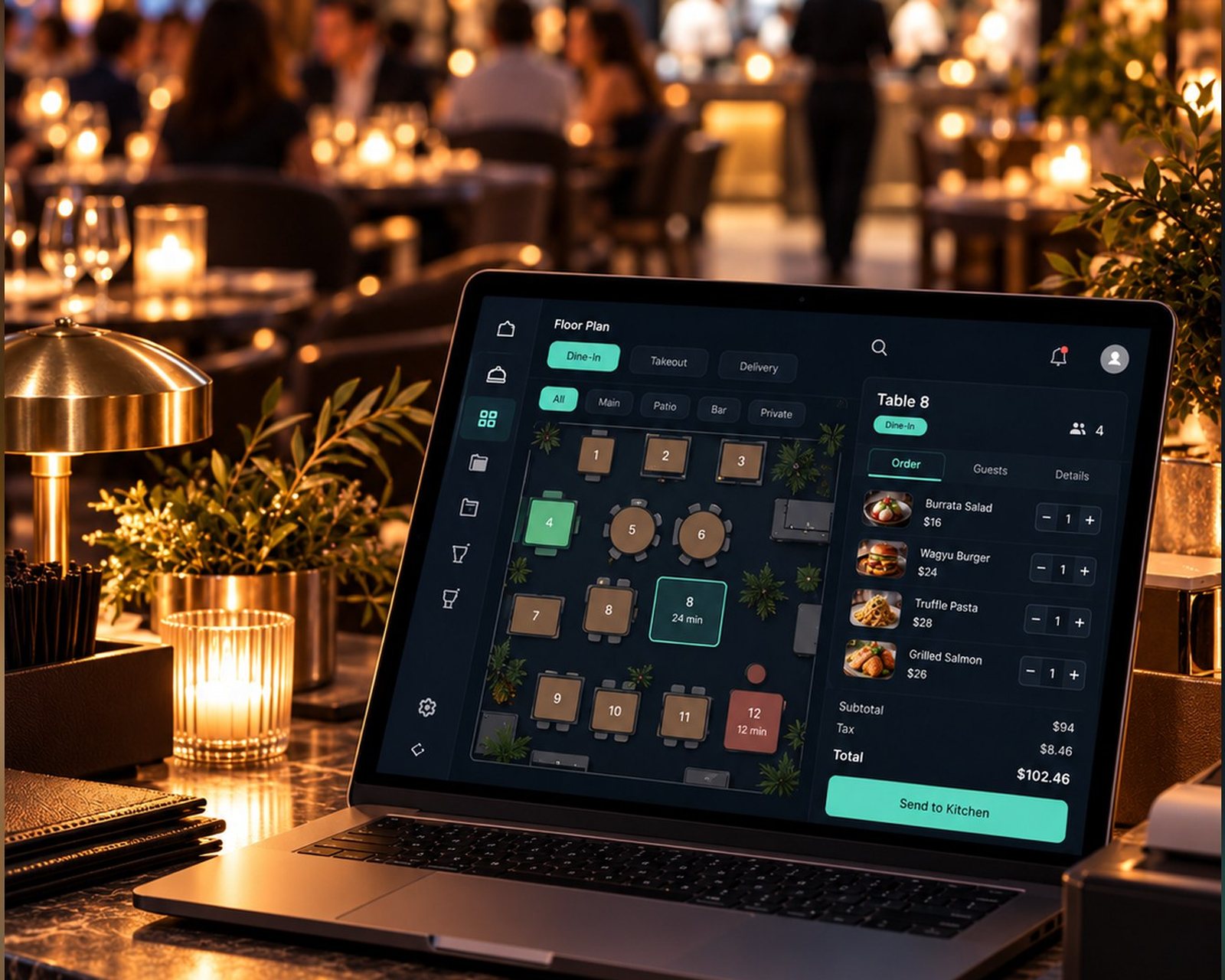
Table bookings, with or without a till.
Explore Table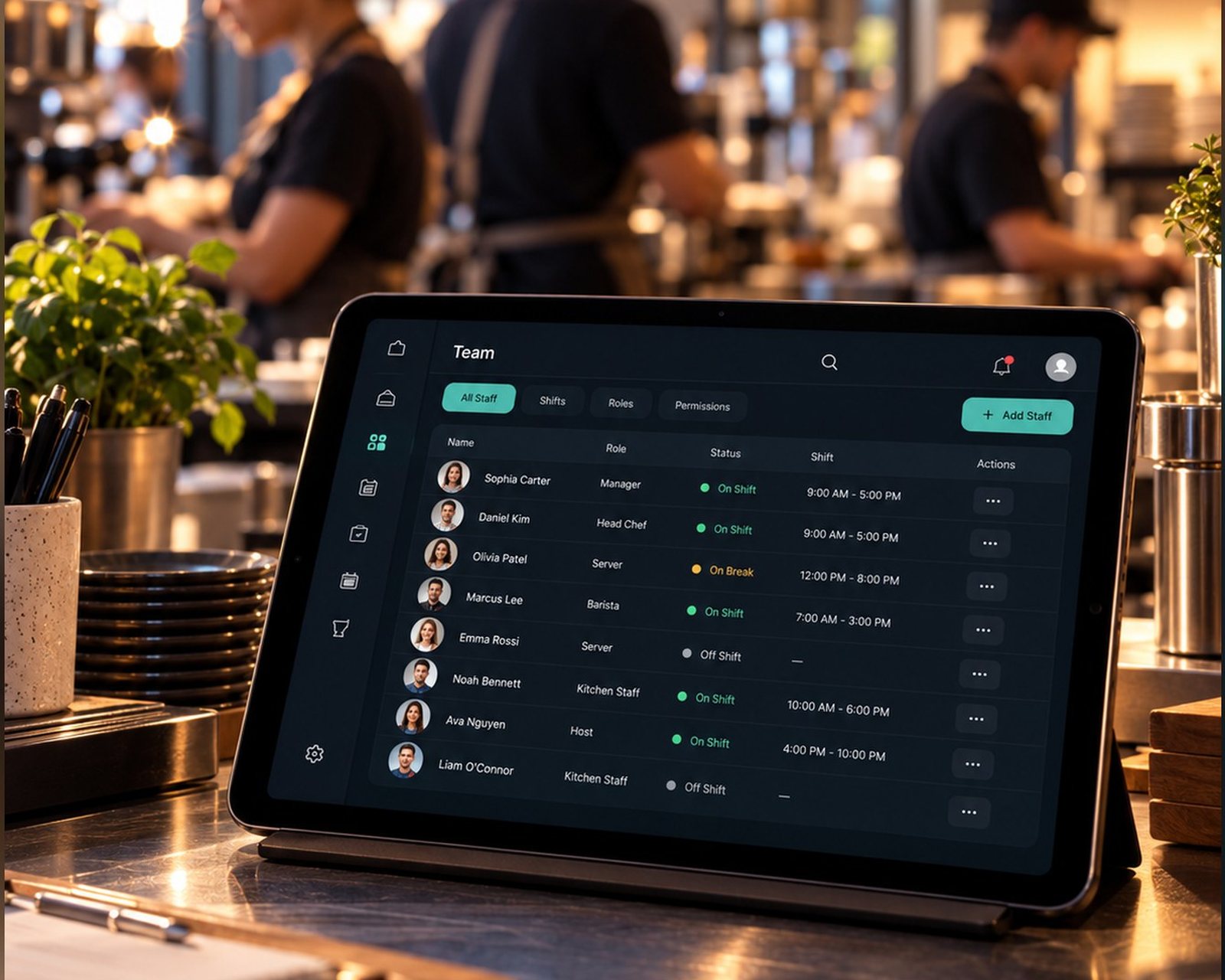
Staff schedules and clock-in records.
Explore TeamA clearer working day
Set up your products, services, menu or booking rules. Choose how your business works.
Give staff their own logins and the permissions they need for their work.
For POS plans, review sales, expenses and customer balances. Table and Team have their own diary and time records.
Explore the details
Review sales, payment methods, top products, expenses and end-of-day totals. Costs, profit, reports and exports follow the permissions and plan you choose.
Keep track of what customers still owe, record later payments and charges, and review business expenses. Give staff separate permission to view, edit, collect or export.
Use individual logins. Choose access to sales, refunds, products, customers, reports and settings. A kitchen account focuses on tickets; an orders-only restriction can prevent a sales operator taking payment.
Use a phone, tablet or computer. Bring your own receipt printer, scanner and card machine. Zuno records counter payments; your own card machine takes them.
Zuno is available in a web browser now. Native iOS and Android apps are coming soon.
A little clarity
Use any phone, tablet or computer. Bring your own receipt printer and card machine. Zuno does not sell hardware; counter card payments are taken on your own machine and recorded in the app.
Yes. Your first business gets a 30-day free trial. Additional locations require paid setup. Choose the plan that includes the tools and user limit you need.
Use Log in at the top or bottom of any page. It opens the Zuno app, where you can sign in or create an account.
Plans
Start free with Retail, or try any other plan free for 30 days. No card needed to start your first business trial.
Loading plans…
Make it your own
Try Zuno free for 30 days. Explore the tools with your own business in mind.
Already using Zuno? Log in to your account