Welcome them in
Bring online bookings and walk-ins into your diary. Keep space for the tables you want to offer in person.
Zuno POSAI Design Studio / Zuno Restaurant
Bring your floor, kitchen, bookings and online orders into one working day. Built for the people who run your restaurant.
Powered byZuno AI30 days free · Use your own devices
 Zuno Restaurant
Use Zuno your wayOpen in your browser. Mobile downloads will appear here when released.
Everyone has a part to play
A glimpse of the tools each person needs. Explore the full workflow in your free trial.
For your owner & manager
See sales and top sellers, review closing reports and decide who can do what. Spend less time piecing together the day.
For your waiter
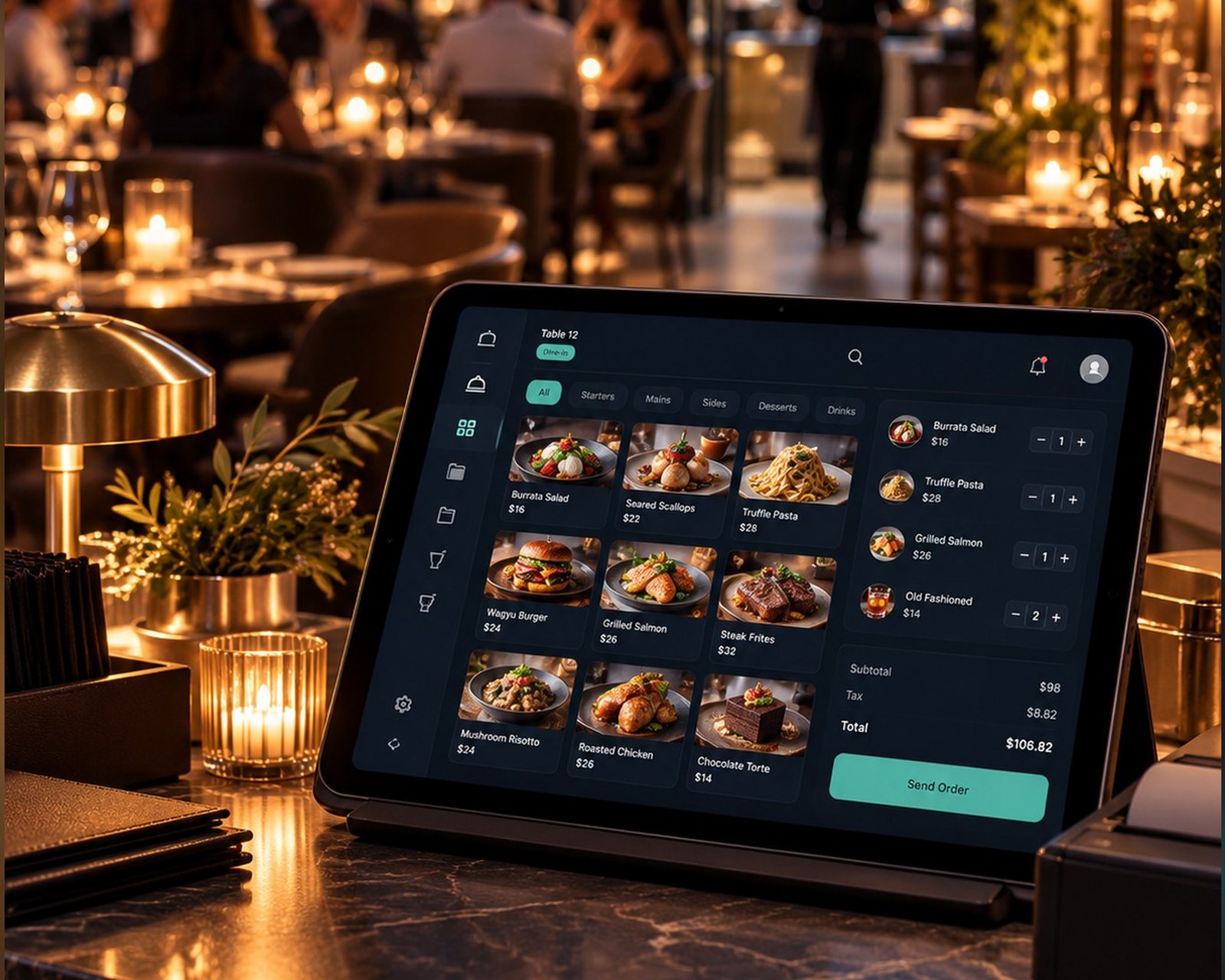
See table status, take an order on a phone or tablet and send it to the kitchen. Return to the bill when the party is ready.
For your kitchen
Orders arrive as tickets, with notes and rush flags in view. Follow them from new to preparing to ready.
For your customer
Let people find a table time, read your menu or order for collection and delivery from your own links.
From arrival to the bill
Bring online bookings and walk-ins into your diary. Keep space for the tables you want to offer in person.
Pick a table, add items and pass the order and notes to the kitchen from your own device.
Follow tickets as they move through preparation. Make changes and priorities easier to see.
Split the bill by item or equally. Record each paid part, apply tips or service charge and see what remains.
Go online
From your link, QR code or website button
Confirmations that go out for you
On the day plan and floor plan
Dining room first
Your menu becomes an order page. Accepted orders reach the till and kitchen like any other.
More when you need it
Features depend on your plan and business setup.
Choose tables available online, retain spaces for walk-ins, set sitting time, booking gaps, notice and party-size rules. Use day, agenda and month diary views. A waiting list can help fill spaces that open. Optional confirmation emails ask customers to confirm the day before.
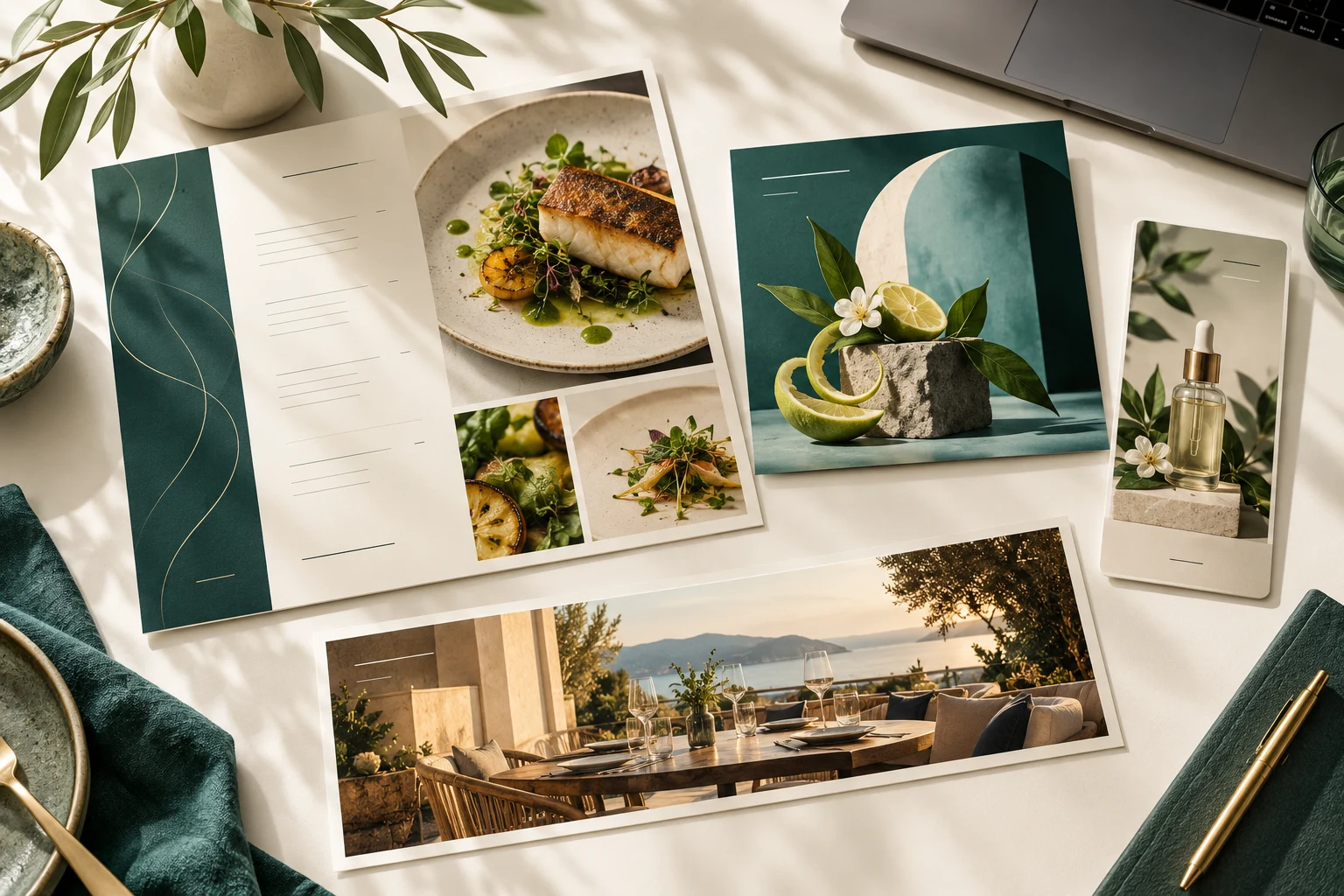
Choose sections, layouts, photos, descriptions, allergens and branding. Share the view-only menu by link or QR and print or save a PDF. Your separate online order page includes the basket.
Find customers by name, email or phone, and keep booking and order details together. Review spending or outstanding balances with the appropriate permissions.
Accepted web orders become till orders with kitchen tickets. Set a ready time, mark orders ready or done, assign drivers and record cash returns. Customers follow the order status; this is not live GPS driver tracking.
Review sales, payment methods, top products, expenses and end-of-day totals. Costs, profit, reports and exports follow the permissions and plan you choose.
Keep track of what customers still owe, record later payments and charges, and review business expenses. Give staff separate permission to view, edit, collect or export.
Use individual logins. Choose access to sales, refunds, products, customers, reports and settings. A kitchen account focuses on tickets; an orders-only restriction can prevent a sales operator taking payment.
Add a rota and time clock separately. Check location and business connection at clock-in/out, with off, flag or block rules. Select staff for an app screen lock outside shift windows or while not clocked in; owners and admins retain access. Explore Zuno Team.
Online payments
A clear payment flow, with your business in control.
Connect your own Stripe account. Customers pay on Stripe’s secure page and the money goes straight to your business. Zuno never holds the money.
Zuno’s standard fee is 1% of each online payment; check your payment settings for the fee that applies to your business. Stripe charges its own processing fee: see Stripe pricing (opens a new tab). With fee refunds enabled, a full refund returns the Zuno fee too. Online card payments currently support Ireland and the rest of the EEA in euros, subject to Stripe approval. If Stripe is unavailable, online payment stays off and customers pay at the venue.
Offer payment on collection, online payment or let the customer choose. At the counter, use your own card machine and record the payment in Zuno.
A little clarity
Yes. Zuno Table is also available on its own. Table booking does not take payments or deposits.
Use any phone, tablet or computer. Bring your own receipt printer and card machine. Zuno does not sell hardware; counter card payments are taken on your own machine and recorded in the app.
Yes. Your first business gets a 30-day free trial. Additional locations require paid setup. Choose the plan that includes the tools and user limit you need.
Use Log in at the top or bottom of any page. It opens the Zuno app, where you can sign in or create an account.
Plans
Tables, bookings, split bills and the kitchen in one price. Try it free for 30 days.
Loading plans…
Make it your own
Try Zuno free for 30 days. Explore the tools with your own business in mind.
Already using Zuno? Log in to your account