A menu worth opening.
Create a new visual direction from your catalogue, review every name and price, then choose it for print, your public menu or online ordering. Offer menu view, the standard list, or both.
Welcome to Zuno AI Design Studio
Explore your creative workspace for menus, campaign artwork and page headers. Choose what you want to make, start with your business information, and review the result before you use it.
Campaign Studio supports every business type on eligible plans, including Complete plans where enabled. Menu design is for restaurants and takeaways. Features and allowances are controlled by your platform owner.
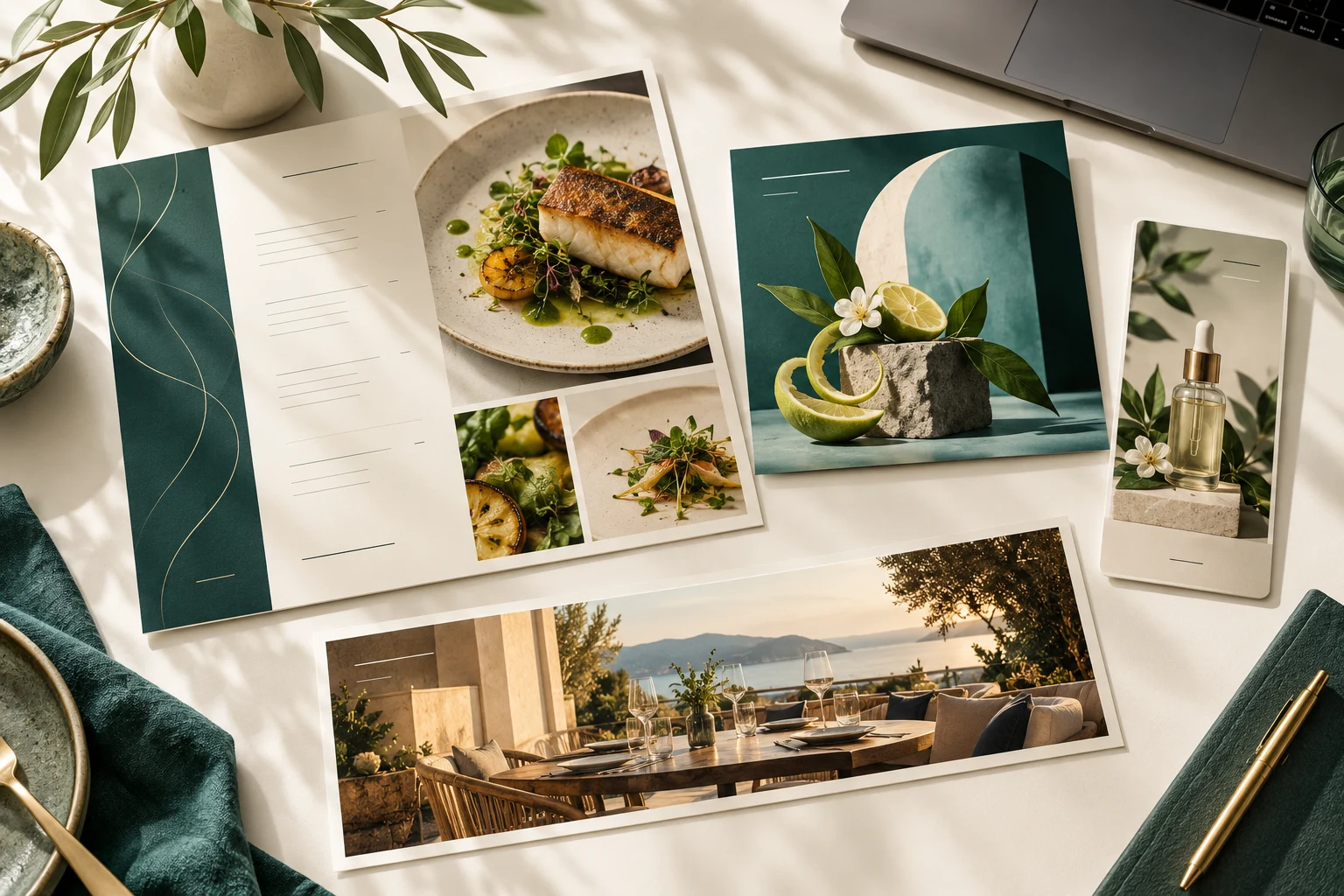
Create a new visual direction from your catalogue, review every name and price, then choose it for print, your public menu or online ordering. Offer menu view, the standard list, or both.
Select products or services, add your offer and choose a square post, portrait, story, landscape or email banner. Your saved business details help shape the brief.
Create a wide image for your booking or ordering page. Review it, then apply it from Studio or the matching page settings.
Where allocated, Zuno tokens cover creation. Your platform owner controls monthly and daily limits, with usage recorded by feature. Reusing a saved design does not generate another image.
Studio prepares the brief with your selected catalogue items and relevant business-profile details. You spend less time copying facts between tools, and your design, review, allowance and publishing controls stay together. Zuno builds this workflow around specialist AI providers; it does not claim to own the underlying AI models.
Everyday AI tools also help with descriptions, product pictures, menu-photo imports, Help and explaining reports where included in your plan. AI output needs a human check; it does not replace your business records.
Save campaign artwork and its caption, download it, use your device’s share sheet, or export an email draft. These actions do not automatically publish to social accounts or send a bulk email.
Read how AI content and business information are usedFrom an idea to something you can use
Choose the products or services to feature, add an offer if you have one, and select the right format. Complete missing contact details in Settings when prompted.
Describe the mood or ask for a fresh idea. Menu Studio uses recent creative directions to steer new designs away from repetition.
Check every word, price, claim and image. Recent designs stay in Manage designs; download favourites for your own archive.
Publish a reviewed menu to enabled customer pages, apply a page header, or download and share campaign artwork. An email export creates a draft for you to review and send.
A generated menu is saved artwork. Changes to catalogue text or prices require an updated design and review before republishing; the live standard list remains tied to the catalogue. No automatic campaign delivery or social scheduling is promised.